Lite Mode Secure Space Screenshots Privacy Feedback Privacy Policy ← WiselyRise
Private Gallery · Android

Your Gallery,
Your Rules.

Blazing fast. Zero cloud. Every photo stays on YOUR device — no account, no data harvested, no compromise on privacy.

⊘ 100% Offline 🔒 Secure Space 👁 Lite Mode 🚫 No Tracking
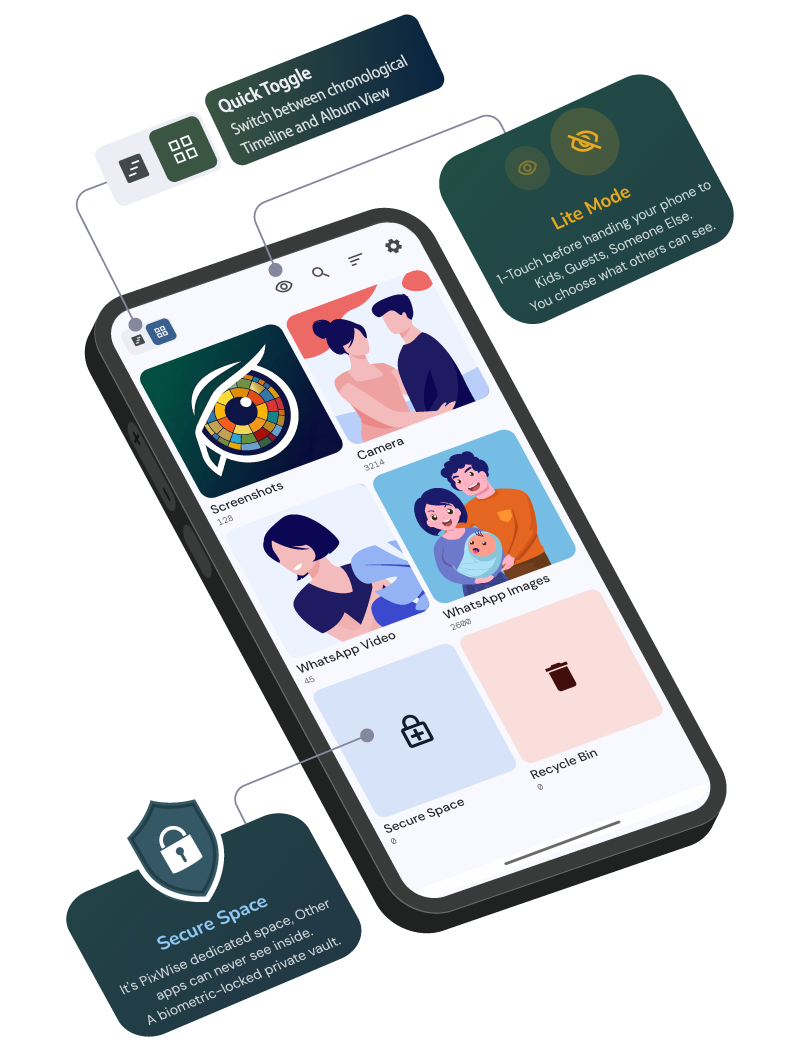
PixWise — Lite Mode, Secure Space, and Quick Toggle callouts
👁 Lite Mode

One tap.
Your phone,
your rules.

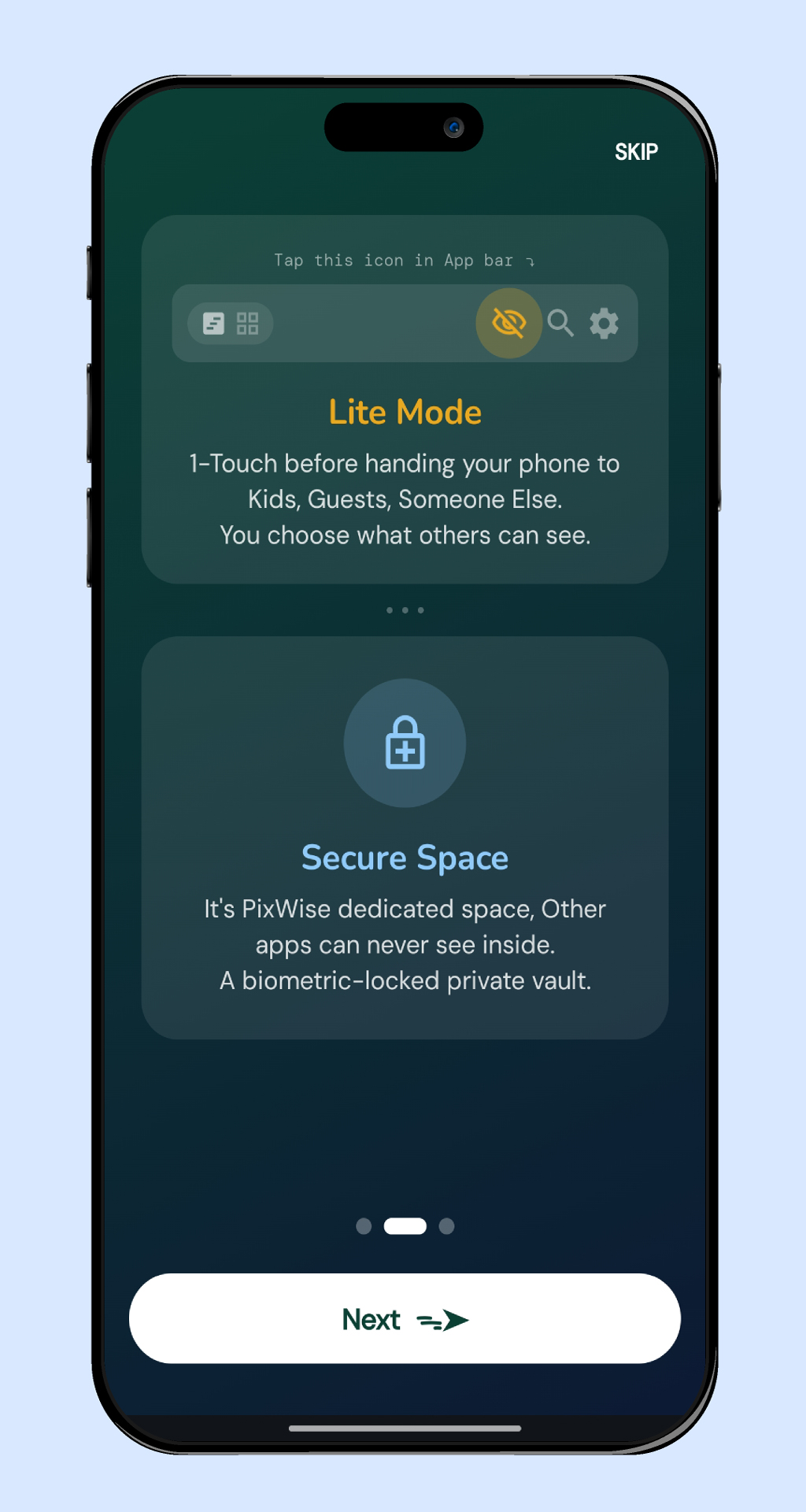
Before handing your phone to kids, guests, or anyone else — activate Lite Mode in a single tap. Private albums disappear instantly. One tap to bring them right back when you're done.

  • Per-album visibility — you decide exactly what shows
  • Biometric-protected deactivation, no accidental toggle
  • Always-on Lite Mode option in settings
  • Instant — no extra menus, no delay
Lite Mode and Secure Space explained in onboarding
🔒 Secure Space

A private vault
inside your gallery.

Secure Space is PixWise's dedicated vault — a biometric-locked folder completely invisible to other apps. Move photos in with a tap. Export as encrypted ZIP anytime.

  • Biometric or device-credential authentication
  • Other apps can never read or list Secure Space
  • Completely hidden in Lite Mode — doubly protected
  • Export as encrypted ZIP directly to Downloads
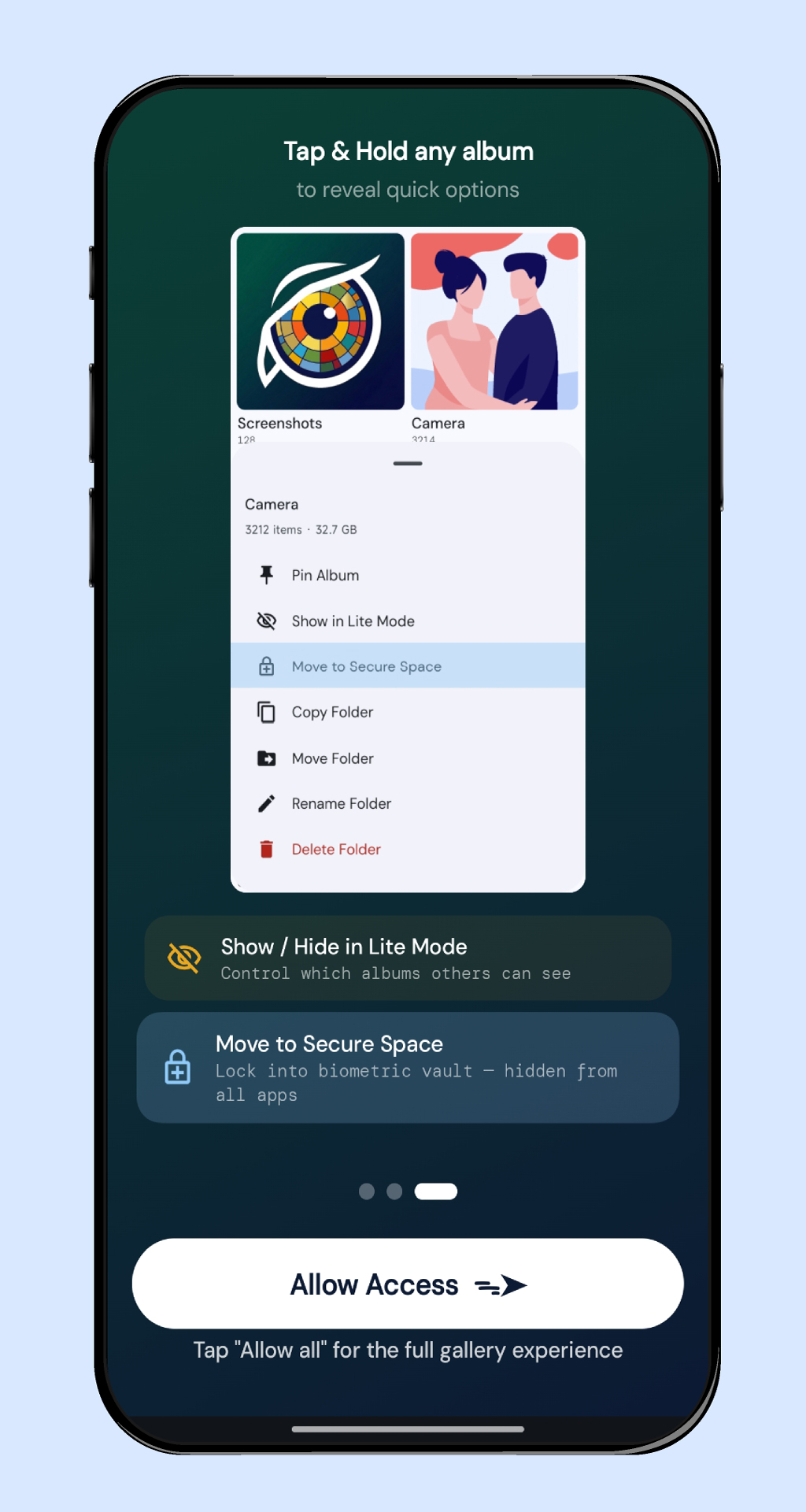
Tap and hold album to reveal Move to Secure Space option
Inside PixWise

See it in action

Six screens — from first launch to full control.

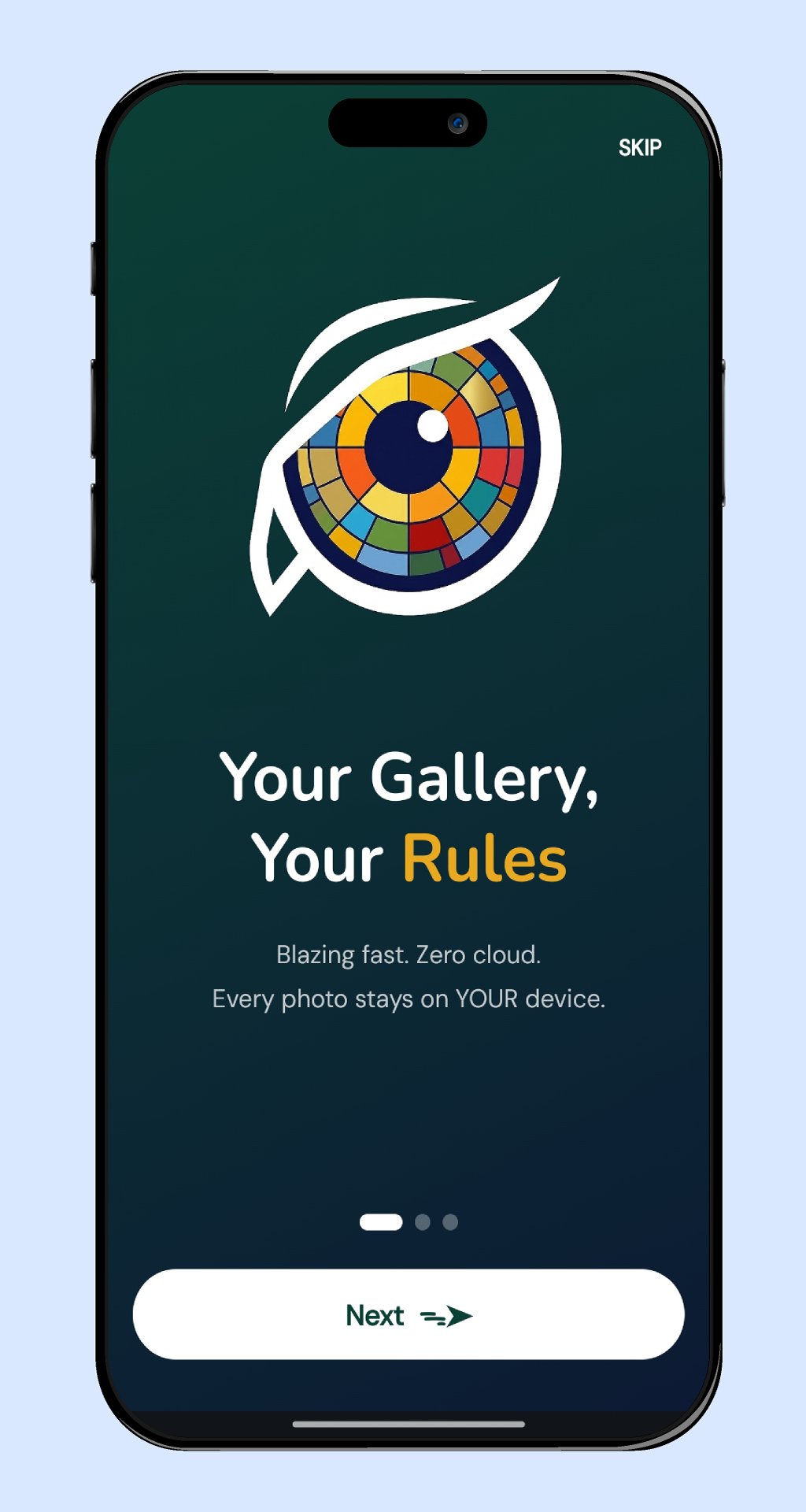
PixWise onboarding splash screen Welcome
Lite Mode and Secure Space feature intro Lite Mode
Tap and hold album context menu Quick Actions
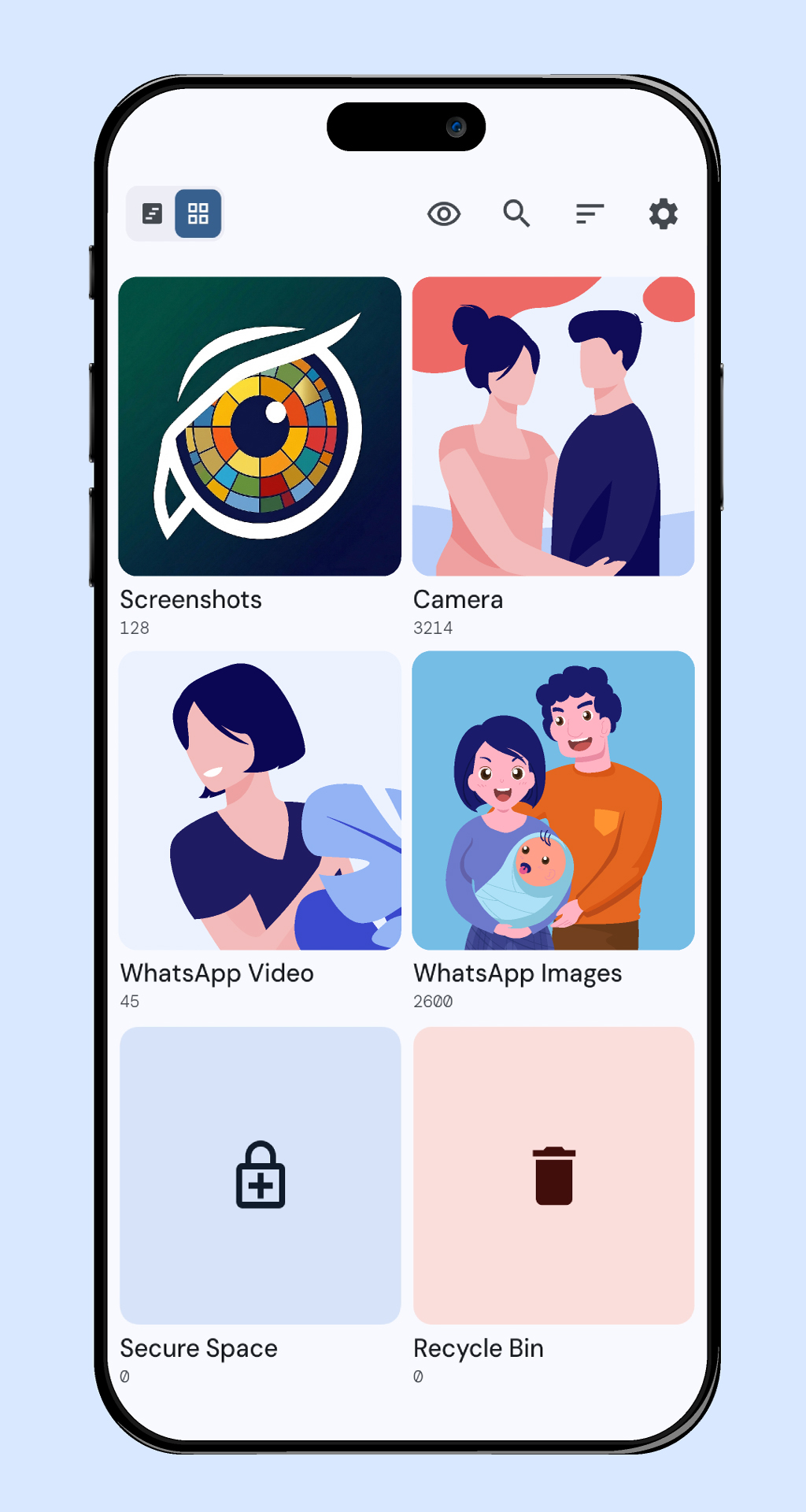
Clean album grid gallery view Gallery View
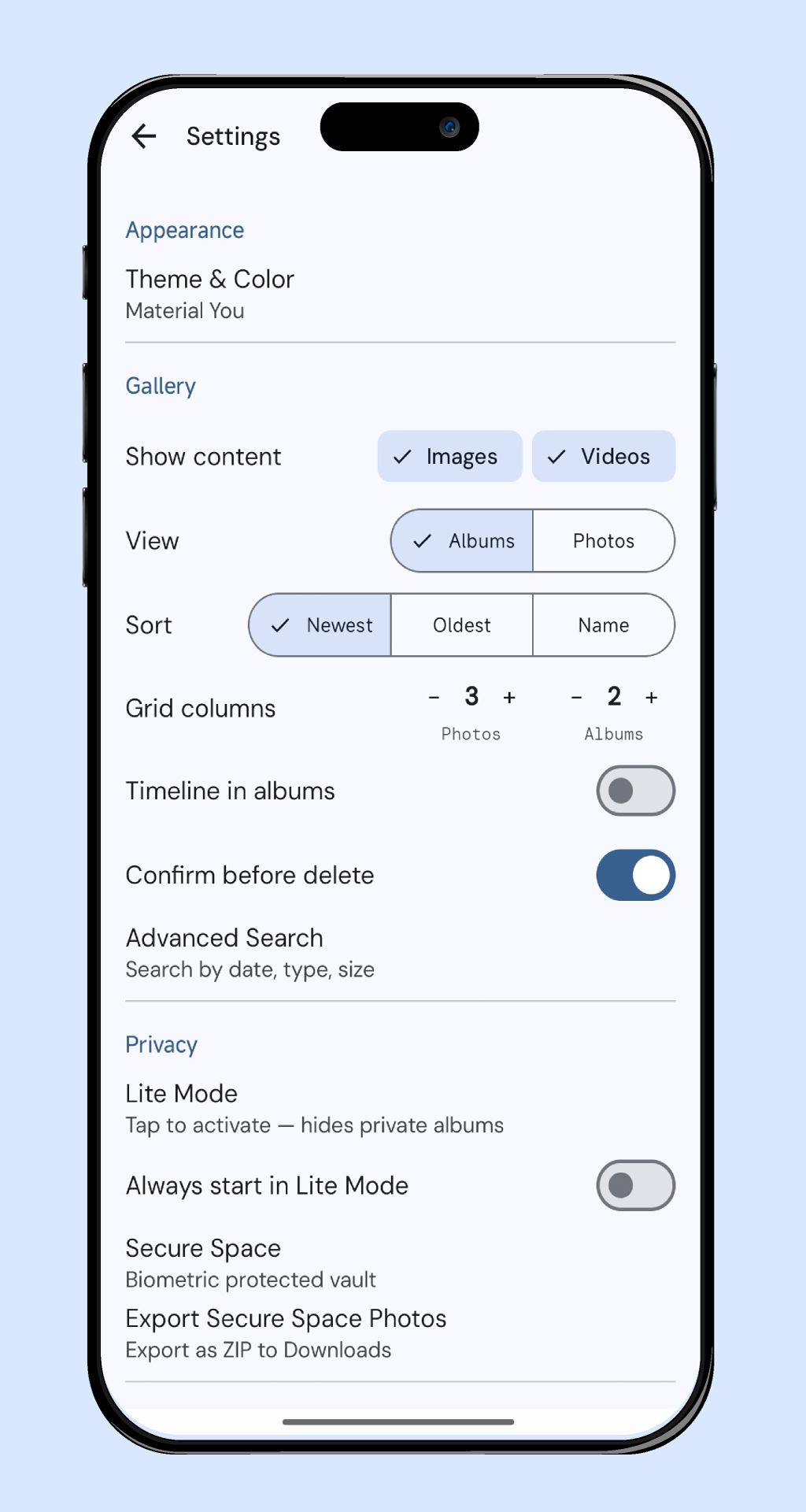
Settings — grid columns, Lite Mode, Secure Space Settings
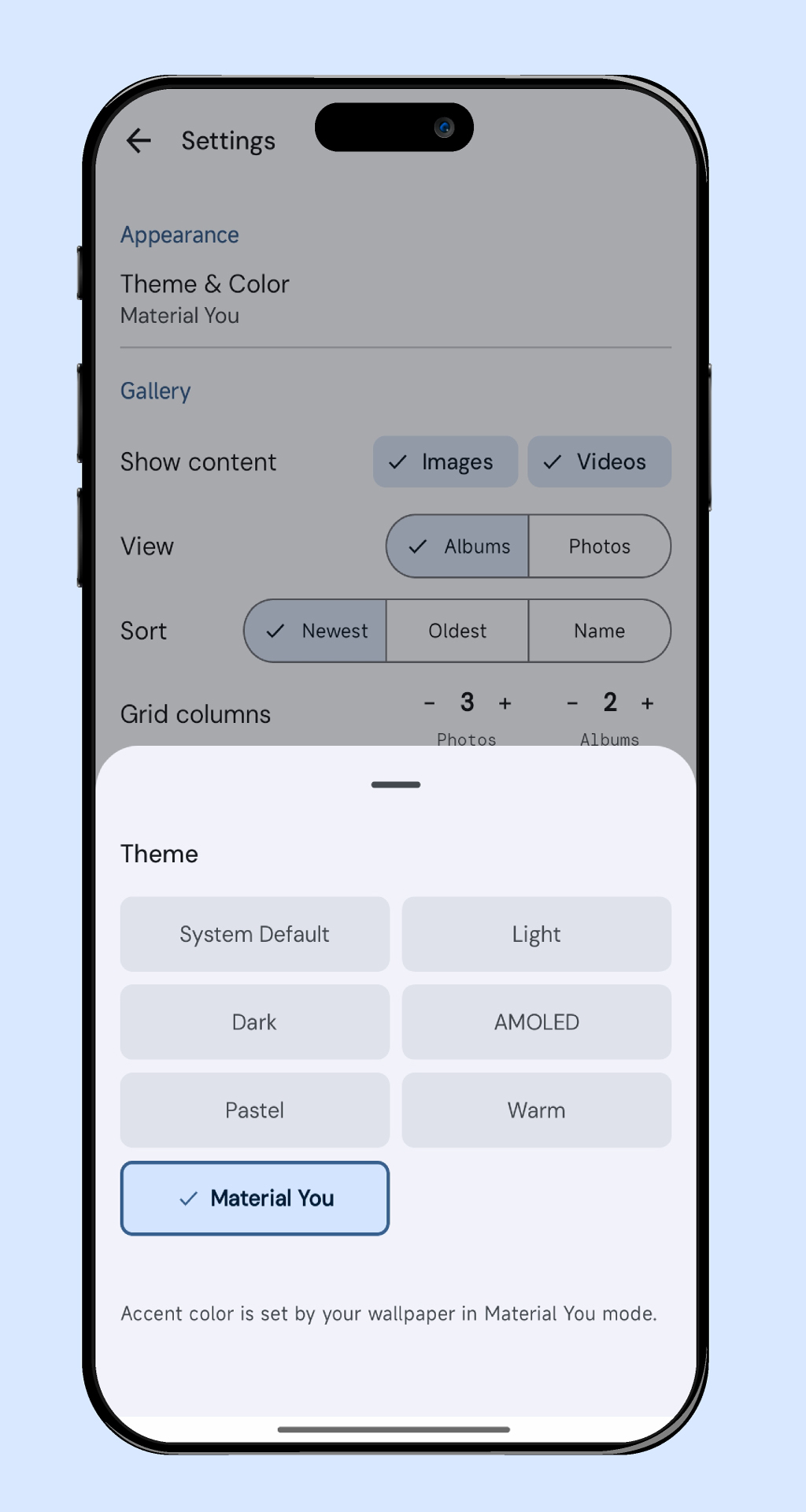
Material You theme picker bottom sheet Themes

← Swipe to explore →

UX Feature

Pinch to adjust
your grid.

Pinch in or out on any gallery, album, or recycle bin screen to instantly change grid density. From one full-width photo to a 6-column mosaic. Applied everywhere, remembered forever.

1 2 3 4 5 6

1–6 columns · Persisted via DataStore · Applied across all screens

Grid Columns stepper in Settings
Everything Else

Built for everyday use

Smart features that stay out of your way until you need them.

🗑️

Recycle Bin

Deleted a photo by accident? It stays in the bin for 30 days. Restore with one tap — permanently gone only when you decide.

🔍

Smart Search

Find photos by name, date range, media type, or file size. Advanced filters with instant results — no cloud index required.

📅

Timeline & Albums

Switch between chronological timeline and folder-based albums with one compact tap. Pin your most-used albums to the top.

✏️

Rename Photos & Videos

Edit file names directly in the viewer. Only the name, not the extension — clean, precise, no file manager needed.

🖼️

Viewer Actions

Rotate, share, wallpaper, copy, move, delete — all from a single swipe-up sheet. Ken Burns long-press for cinematic zoom.

🎨

Material You Themes

Light, Dark, AMOLED, Pastel, Warm, or Material You. Adapts to your wallpaper. Looks native on every Android device.
Privacy by Design

Your photos never leave
your device.

PixWise was built around one principle: your data belongs to you. There's no server to breach, no account to hack, no upload to intercept. Everything happens on your phone — full stop.

⊘ No internet permission 📊 No analytics SDK 👤 No account required ☁️ No cloud uploads 🚫 No ads 🇮🇳 Made in India

Now on Google Play

PixWise is in closed testing. Join to get early access and shape the app with your feedback.

▶ Get it on Google Play